Carrying Digital Proof of Registration on the Trail
Oh, the age-old dilemma of trail paperwork! You've just finished a thrilling ride, dusty and exhilarated, and then comes that sinking feeling: Did my registration card just fly out of my pocket somewhere near the slickrock? Or maybe you're just tired of trying to keep crumpled, sweat-stained paper documents intact in your pack or, worse, your wallet, only for a sudden downpour to turn them into pulp. It's a real frustration for us Utah OHV riders. This guide is here to tackle that very modern question: can you ditch the paper and rely on digital proof of registration on the trail, and what are the best practices for doing so here in our beautiful state?
The Allure of Digital Proof in Utah's Rugged Backcountry
Let's be honest, we live in a digital world. Our phones are practically extensions of our hands, carrying everything from maps to communication tools, and even our payment methods. So why not our OHV registration? The thought of having all your crucial documents neatly tucked away on your smartphone or tablet, safe from the elements and always accessible, is incredibly appealing when you're out exploring Utah's vast network of trails. No more digging through multiple pockets, no more worrying about losing a tiny, easily forgotten slip of paper.
Why Paper Documents Are a Pain in the Desert (and Everywhere Else)
Think about a typical day riding the Paiute Trail or tearing across the dunes at Sand Hollow. You're kicking up dust, splashing through puddles, maybe even taking a little tumble now and then (we've all been there!). Paper documents simply aren't designed for this kind of environment.
- Dust and Dirt: The fine red dust of Southern Utah has a way of getting into everything. Your registration card, tucked in a clear plastic sleeve, might survive for a while, but eventually, the dust will find its way in, making the print hard to read.
- Water Damage: Whether it's an unexpected rain shower, a splash from a creek crossing, or just good old-fashioned sweat from a strenuous ride, water is the enemy of paper. A soaked registration card can become illegible, crumble apart, or simply get lost as it disintegrates. Imagine trying to explain that to a ranger!
- Loss and Theft: Small pieces of paper are notoriously easy to misplace. They can slip out of an open pocket, get blown away by the wind while you're parked, or simply fall out when you're rooting around for something else. While digital isn't immune to device loss or theft, at least your original paper document remains safe at home, and retrieving a digital copy is often easier.
- Bulk and Inconvenience: Even if you're meticulous, carrying physical copies of your registration, education certificate, and any permits can add unnecessary bulk to your riding gear. It takes up space, and it's another thing to keep track of.
The desire to streamline and protect these vital pieces of information is completely understandable. We want to focus on the ride, not on babysitting paperwork.
The Digital Convenience Factor for Modern Riders
The promise of digital documentation is all about simplicity and peace of mind. Your smartphone, ruggedized or not, is likely already coming with you on the trail for navigation or emergencies. Why not leverage it for administrative necessities too?
- Always With You: For most of us, our phone is glued to our hip (or mounted on our dash) whenever we leave the house. Having your registration as a photo or PDF means it's with you anytime your phone is, making it less likely to be forgotten.
- Durability (of the Information, Anyway): While your phone itself can be damaged, the digital file of your registration can be backed up to the cloud or emailed to yourself. Even if your device takes a swim, the information isn't permanently lost, unlike a single paper copy.
- Instant Access: No fumbling through a wallet or backpack. A quick tap or two on your screen, and there's your registration, clear and easy to read. This can be a real time-saver if you're ever stopped by law enforcement or a park ranger.
This convenience is why so many riders are asking if [Is a Photo of Your Registration Enough?] in Utah.
Utah's Stance on Digital OHV Registration: What the Law Says
Now, for the million-dollar question: does Utah actually accept a digital copy of your OHV registration? This is where things get a little nuanced, as is often the case with laws catching up to technology. The spirit of the law requires you to possess proof of current registration. The method of possession is where interpretation comes in.
Official Rules Versus Practical Realities
While Utah law doesn't explicitly state "digital copies are perfectly fine, no paper needed!" for OHV registration, the general trend in many areas of law enforcement is a growing acceptance of digital proof. For example, many states now accept digital proof of auto insurance.
However, when it comes to OHV registration itself, the official Utah DMV (or Department of Natural Resources/Parks and Recreation, who often oversee OHV enforcement) stance traditionally emphasizes having the physical document. The concern is often about verifying authenticity and ensuring the document isn't tampered with.
- What a Trooper Checks at a Trailhead: When a Utah Fish and Game officer or park ranger stops you on the trail to check your paperwork, they're looking for a current registration card and often your OHV decal displayed correctly on your machine. The key is that the information on your document matches your machine and your identity.
- The "Paper Preferred" Stance: Many officers would still prefer to see a physical, current registration card. It's instantly recognizable and tangible. A digital image can sometimes raise questions about its legitimacy if it's not clear or if the officer has reason to suspect it's not current or accurate.
- No Explicit Ban on Digital: Crucially, there isn't a hard and fast rule that says "digital proof is absolutely forbidden." This means that in many real-world interactions, a clear, legible digital image displayed on a working device might be accepted, especially if accompanied by a valid driver's license and the appropriate OHV decal on the machine. It often comes down to the discretion of the individual officer and the clarity of your digital document.
My advice? Always carry a physical copy as well, even if it's just a laminated printout stored in a dry bag. It’s better to have it and not need it, than to need it and only have a digital copy that an officer isn't comfortable accepting.
The Role of a Digital Wallet or Photo on Your Device
If you're going the digital route, how do you best store it? A simple photo in your phone's gallery is a good start, but there are better ways to ensure it's accessible and clear.
- High-Quality Photo/Scan: Don't just snap a quick, blurry photo. Take a high-resolution picture of your physical registration card (front and back, if relevant). Better yet, use a scanning app on your phone to create a clear, readable PDF.
- Dedicated Folder/Album: Create a specific folder in your photos or files app labeled "OHV Documents" or something similar. This makes it quick and easy to find without scrolling through hundreds of vacation photos.
- Digital Wallet Integration: Some digital wallet apps or secure document apps allow you to store important IDs and documents. This can add an extra layer of security and organization. Look for apps that allow you to password-protect or encrypt sensitive documents.
- Email it to Yourself: As a backup, email a copy of your scanned registration to yourself. That way, if your phone is lost or damaged, you can still access it from another device.
Remember, the goal is clarity and accessibility. An officer needs to be able to quickly and easily read the information on your screen, just as they would a physical card. For ensuring all your other important documents are correctly structured and legally sound, especially when buying or selling, services like LawDepot can be incredibly helpful for drafting clear bills of sale or other agreements.
Practical Tips for Carrying Digital Registration on Utah Trails
Even if you choose to carry a physical backup, having a digital copy as your primary go-to can be a huge convenience. But taking your phone into the backcountry comes with its own set of challenges. Here's how to make sure your digital proof is truly reliable when you're out on the trails.
Powering Up Your Device for a Full Day
This is arguably the biggest hurdle for relying solely on digital documents. Nothing is more frustrating than having your phone battery die just when you need to show your registration or make an emergency call. Utah's vast trails mean you might be far from a charging port for hours, or even days.
- Portable Power Banks: A high-capacity power bank is an absolute must-have for any serious trail rider. Keep it charged and ready. Look for rugged, water-resistant models that can withstand the elements.
- 12V Chargers for Your OHV: Many modern UTVs and some ATVs come with 12V outlets or USB ports. Invest in a good quality charger that plugs directly into your machine. This allows you to charge your phone while you ride.
- Battery Management: Turn off unnecessary apps, dim your screen, and put your phone in low-power mode when you're not actively using it. Even better, consider a dedicated GPS device if you rely on your phone for navigation, saving your phone's battery for emergencies and documents.
- Physical Map as Backup: Never rely solely on your phone for navigation, and by extension, for critical documents. Always have a paper map of your riding area. This also saves your phone battery!
Think of your phone's battery life as a critical resource, just like fuel. Manage it wisely.
Backup Strategies for the Unexpected
Even the most prepared rider can encounter unforeseen problems. What if your phone gets crushed, soaked, or simply vanishes?
- Cloud Storage: Keep a copy of your scanned registration (and other important documents like your [Utah OHV Education Certificate] or [Utah's Non-Resident OHV Permit Explained]) on a cloud service like Google Drive, Dropbox, or iCloud. If your phone is lost, you can access it from a friend's device or when you get back to civilization.
- Email Backup: As mentioned, email the PDF to yourself. It's a simple, universal backup method.
- Physical "Emergency" Copy: Even if you primarily use digital, keep a single, neatly folded and perhaps laminated paper copy in a waterproof bag, hidden in a secure compartment on your OHV or deep in your backpack. This is your absolute last resort if all else fails. You can easily print a replacement if needed. [Printing a Replacement Utah Registration Card] is a straightforward process, but it's best to avoid needing one on the trail!
The goal is redundancy. The more ways you have to access your critical documents, the safer you'll be.
The Realistic Approach: Digital with a Physical Backup
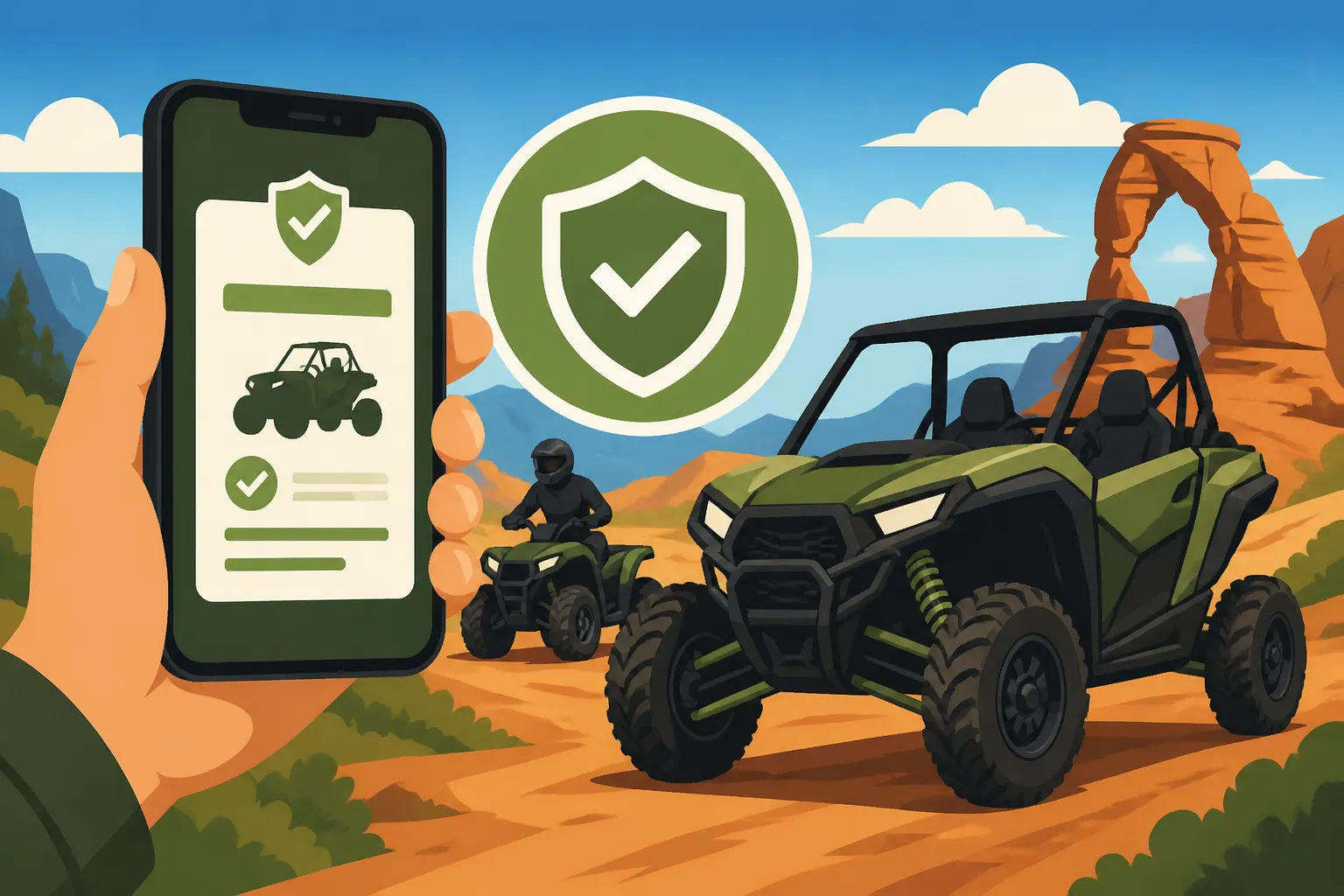
Given the current legal landscape and the practical challenges of technology in the backcountry, the most pragmatic and recommended approach for Utah riders is a hybrid one: primarily use digital for convenience, but always have a physical backup.
Here’s how to make that work seamlessly:
- High-Quality Digital: Scan or photograph your registration card and any other required documents. Store them securely on your phone, perhaps in a locked folder or a secure digital wallet app.
- Waterproof Phone Case: Invest in a rugged, waterproof phone case. This protects your device and your digital documents from dust, water, and impacts.
- Laminated Physical Copy: Print a clear copy of your registration, education certificate, and non-resident permit (if applicable). Get them laminated or slip them into a durable, waterproof document pouch.
- Secure Storage: Keep this physical backup in a truly secure and waterproof spot on your OHV or in your backpack. Think about a lockable storage box or a sealed dry bag tucked deep inside your gear.
- Educate Yourself: Know [What Paperwork Utah Riders Must Carry] and keep it current. Always make sure your [Renewing Your Utah OHV Registration] is done on time.
This dual approach gives you the best of both worlds: the convenience of digital and the fail-safe reliability of a physical document, ensuring you're always in compliance, no matter what surprises the trail throws at you.
Beyond Registration: What Other Paperwork Matters (Digital or Otherwise)
While OHV registration is a big one, it's not the only piece of paper (or digital file) that might be important on the trail. Law enforcement often checks for a few other things, and having them readily available, in whatever form, will make any interaction smooth.
Education Certificates and Non-Resident Permits
For many riders in Utah, an OHV education certificate is mandatory, particularly for younger riders or if you're taking specific courses. Similarly, if you're visiting Utah from out of state, you'll need a non-resident permit.
- Education Certificates: Utah law requires anyone under 18 to complete an approved OHV education course. It's smart for adults to take it too! You should carry proof of this certificate. While a physical card is often issued, a clear digital image or PDF on your phone could also be useful. [Carrying Your Certificate and Permit on the Trail] is just as important as your registration.
- Non-Resident Permits: If you're riding in Utah with an out-of-state registered machine, you need a Utah non-resident OHV permit. These are usually purchased online, and you'll print a permit. Again, a digital copy is a great backup, but a physical printout is highly recommended. The process is clear for [What the Non-Resident Permit Costs and Covers], and it’s always best to have that physical confirmation.
Always check the latest rules and ensure you have the correct documentation for your specific situation.
Your Driver's License and Proof of Insurance
These two are typically mandatory, whether you're driving a car or operating an OHV on certain public lands or roads.
- Driver's License/State ID: Your driver's license (or other official state-issued ID) is almost universally required to be carried in its physical form. While some states allow digital driver's licenses on phones, Utah may not yet fully recognize them for all purposes, especially for OHV operation or interactions with law enforcement on the trail. Always carry your physical driver's license. There's no good digital substitute for this one, at least not yet across the board.
- Proof of Insurance: While insurance isn't universally required for all OHVs in Utah (it depends on where and how you ride, especially for street-legal machines), if you are required to have it, you must carry proof. For instance, [Proof of Insurance for a Street-Legal Conversion] is absolutely essential. Many insurance companies now offer digital insurance cards through their apps or as PDFs. This is one area where digital proof is widely accepted for automobiles, and often for OHVs too, so long as it's a clear, current, and official digital document.
When compiling your digital and physical paperwork, always prioritize the physical driver's license. Then, layer in your OHV registration, education certificate, and any permits. Services like LawDepot can assist in ensuring all your related legal paperwork, like liability waivers if you ever lend your machine, is properly drafted and stored, providing peace of mind.
Staying organized with your paperwork, whether digital, physical, or a smart combination of both, means you can focus on the incredible experience of riding Utah's world-class OHV trails. Don't let a simple paperwork oversight lead to a frustrating encounter or, worse, [Penalties for Riding Unregistered in Utah]. A little preparation goes a long way!
Disclaimer
This article is for general informational purposes only and does not constitute professional advice. Laws, prices and regulations vary by location and change over time. Consult a qualified professional for guidance on your specific situation.